Best Computer Monitors for Home Office: 6 Picks for a Sharper Desk Setup
As an Amazon Associate, TechCurated earns from qualifying purchases made through links on this page — at no extra cost to you.
A good home-office monitor does three quiet jobs at once: it makes text sharp enough to read all day without eye strain, it gives you room for two windows side by side, and it clears the cable mess off your desk. This list brings together six 27-inch 4K desktop screens that do exactly that — a premium IPS Black panel with a built-in docking hub, a colour-accurate display for photo and video work, two single-cable USB-C screens that charge your laptop while they show it, a value Samsung 4K, and a budget LG that brings 4K within reach. Whether you write, code, design or sit on video calls all day, these are the screens that make a home desk feel like a proper office.
Dell UltraSharp U2723QE
A 27-inch 4K IPS Black desktop monitor with twice the contrast of a standard IPS panel, 400 nits, 98% DCI-P3 colour, and a full docking hub — USB-C with 90W charging, DisplayPort in and out for daisy-chaining a second 4K screen, RJ45 Ethernet and four USB ports, plus a KVM switch and a fully adjustable stand. One cable connects and charges your laptop, runs your peripherals and your network, and the IPS Black panel keeps text crisp and shadows deep. It is for home-office workers who want one premium screen that replaces a whole desk dock.
LG 27UP850-W
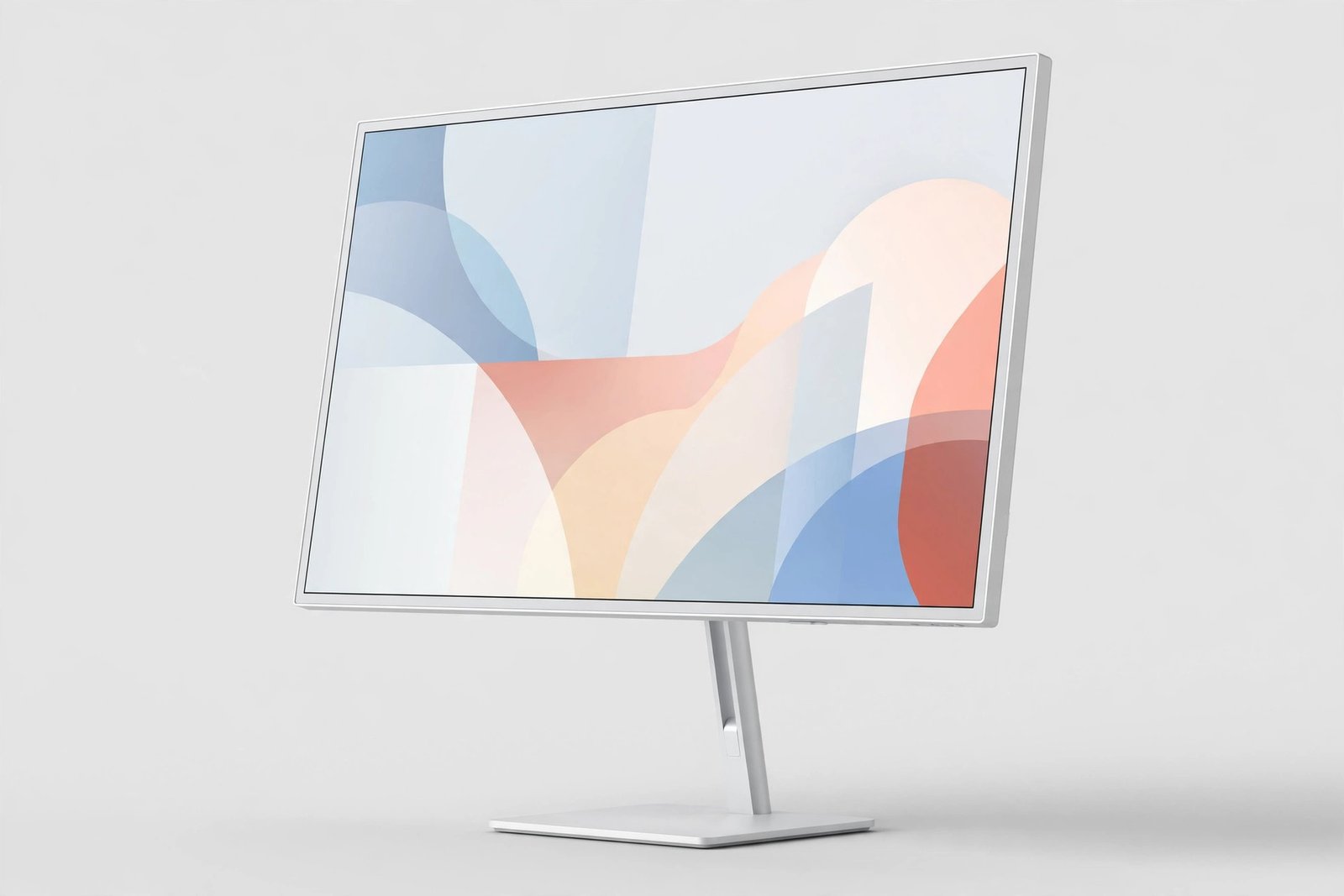
A 27-inch 4K IPS desktop monitor with 95% DCI-P3 colour, VESA DisplayHDR 400, built-in 5W x 2 speakers and USB-C with 96W charging, on a height/pivot/tilt adjustable stand with a 3-side virtually borderless design. It is the tidy single-cable screen for a laptop-first desk — picture, sound and charging through one USB-C lead, with colour good enough for light photo work. It is for laptop users who want a clean, bright home-office screen with speakers built in.
ASUS ProArt Display PA279CRV
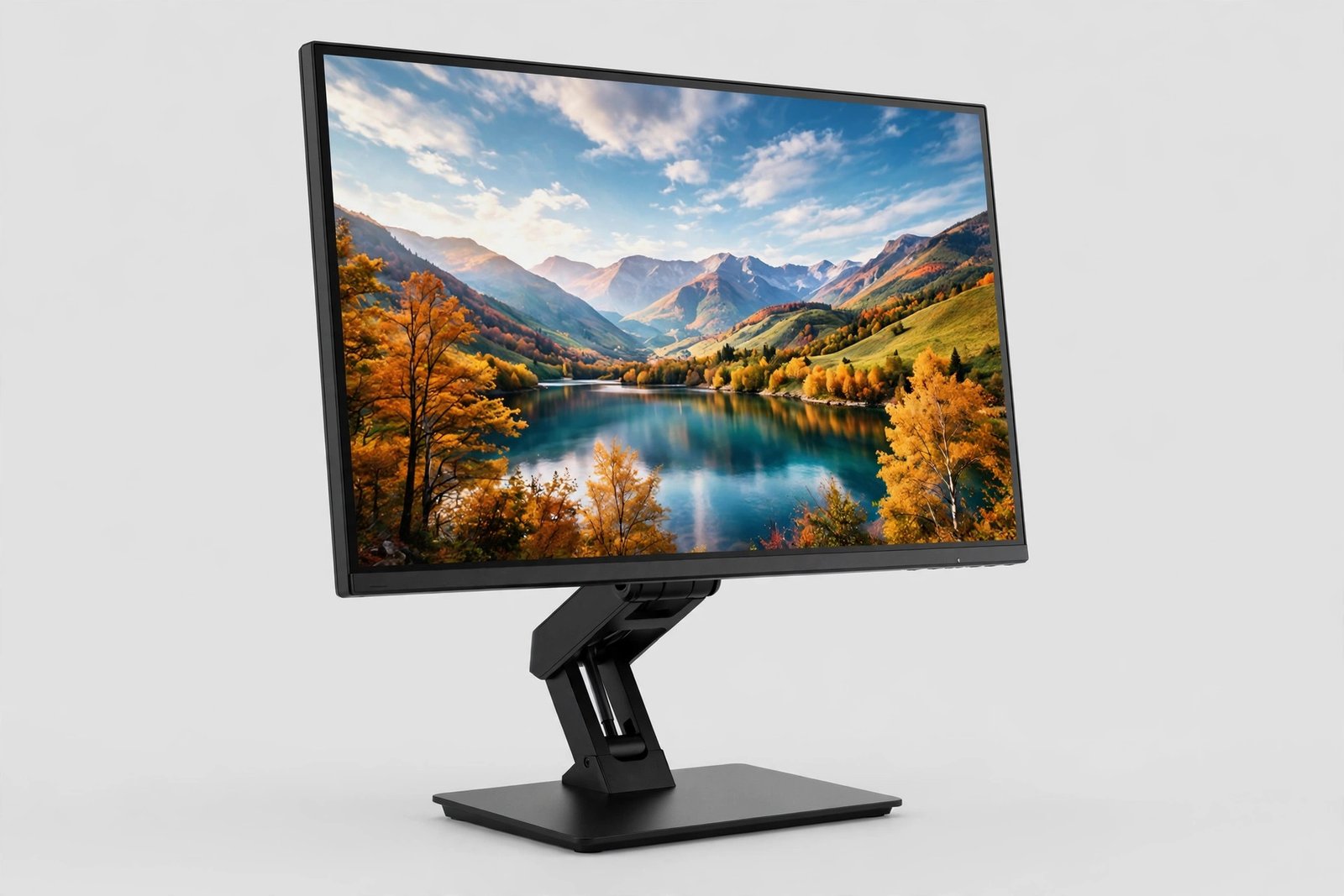
A 27-inch 4K IPS desktop monitor factory-calibrated to Delta E < 2 and Calman Verified, covering 99% DCI-P3 and 99% Adobe RGB, with USB-C 96W charging, DisplayPort daisy-chain support, an ergonomic stand and a 3-month Adobe Creative Cloud offer. Colours are accurate straight out of the box, so photos and videos look the same on screen as they do in print or on a client’s display. It is for designers, photographers and video editors working from a home office.
Dell S2722QC
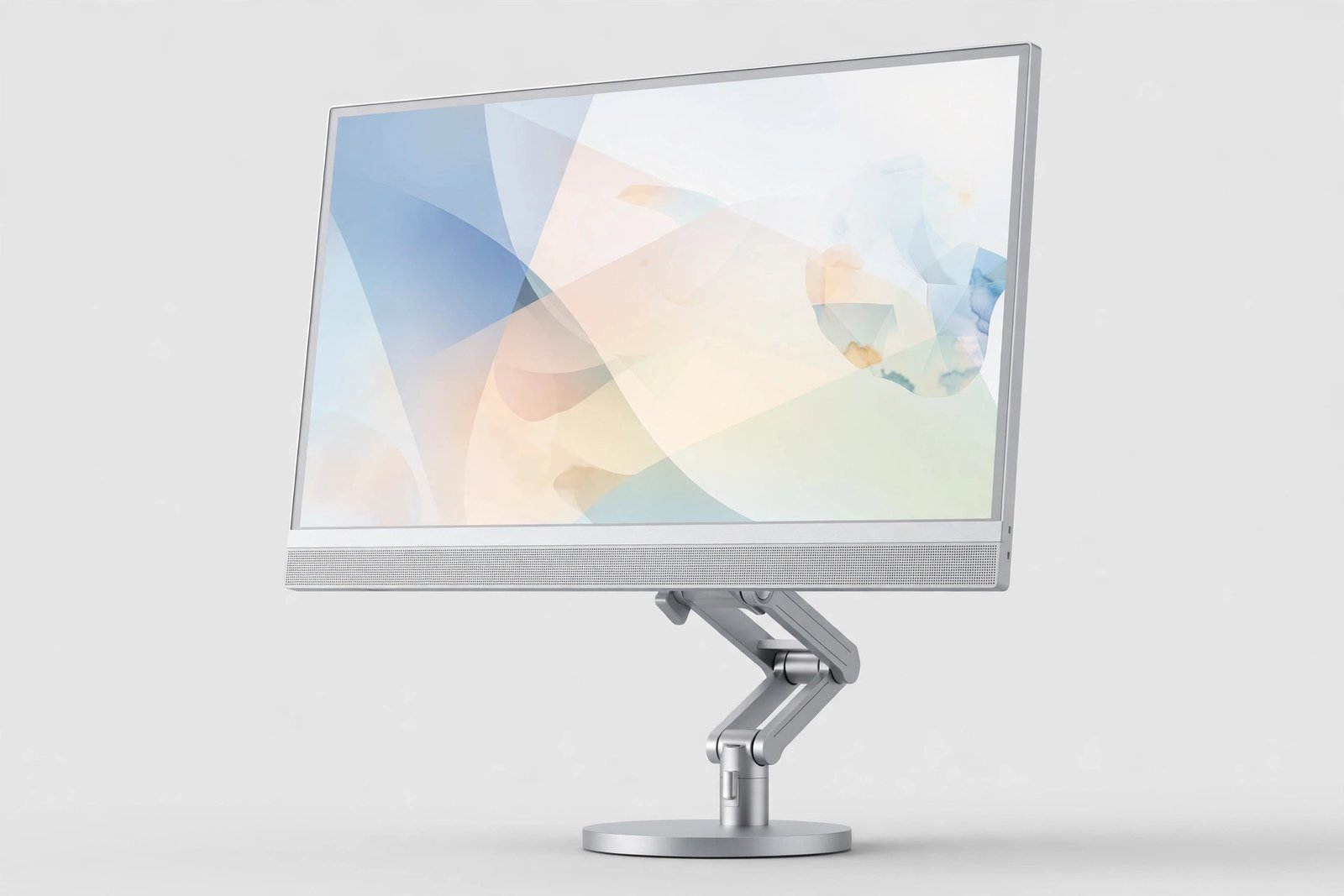
A 27-inch 4K IPS desktop monitor with USB-C carrying video and 65W charging over one cable, built-in dual 3W speakers, 1.07 billion colours, AMD FreeSync and a height-adjustable stand. It is the straightforward single-cable 4K upgrade for a laptop desk — plug in one lead and the screen, speakers and charging are all sorted. It is for home-office workers who want 4K and a tidy desk without paying for a premium docking-hub panel.
Samsung ViewFinity S8 S80UA
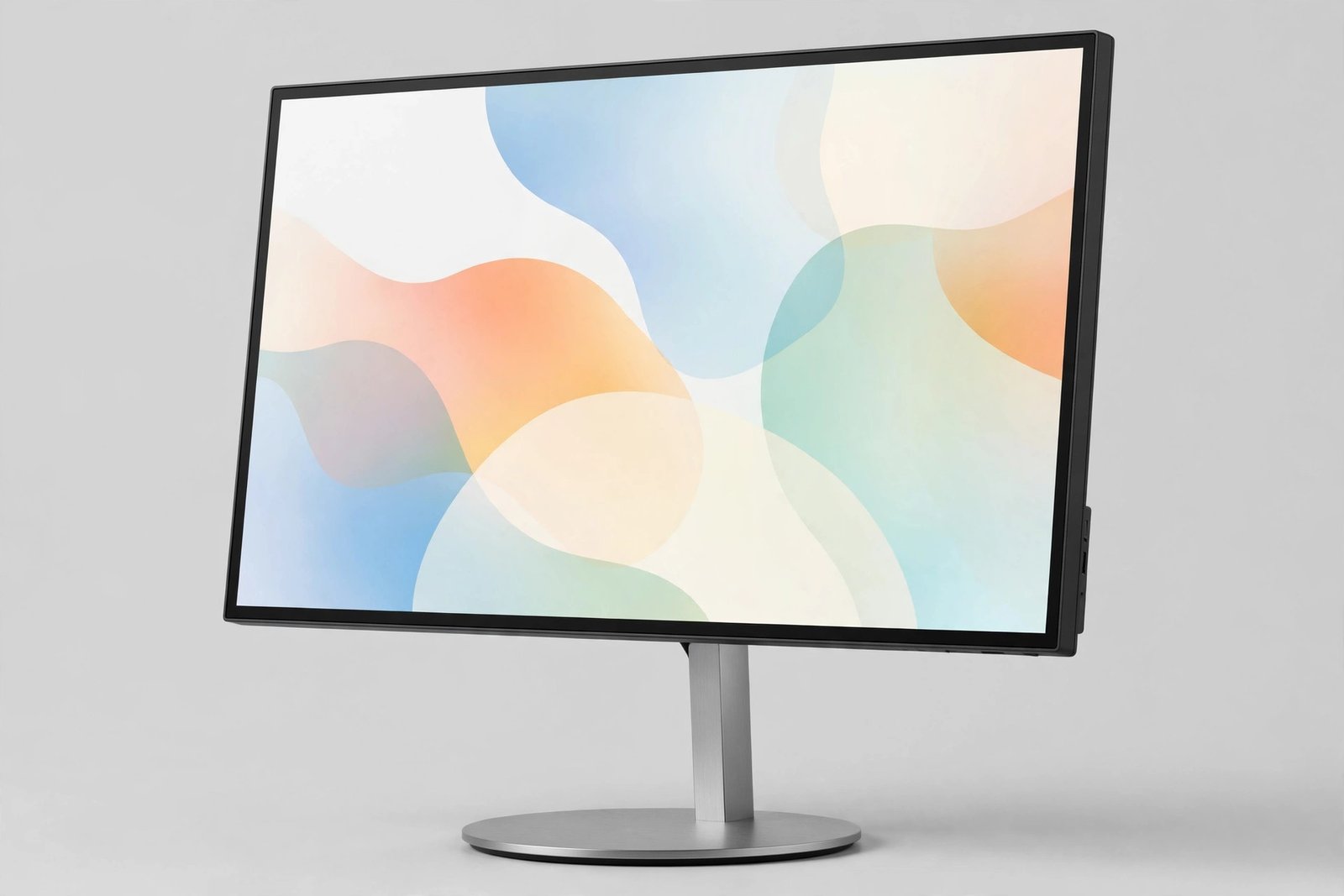
A 27-inch 4K IPS desktop monitor with HDR10, 1 billion colours, built-in speakers, USB-C with 90W charging, Eye Saver Mode and a slim metal stand that adjusts for height, swivel, pivot and tilt. It brings premium-looking 4K and single-cable laptop charging to a home desk at a value price, with a slim metal stand that looks far more expensive than it is. It is for home-office workers who want a good-looking 4K screen for documents, calls and streaming without paying creator-panel money.
LG 27UP650K-W
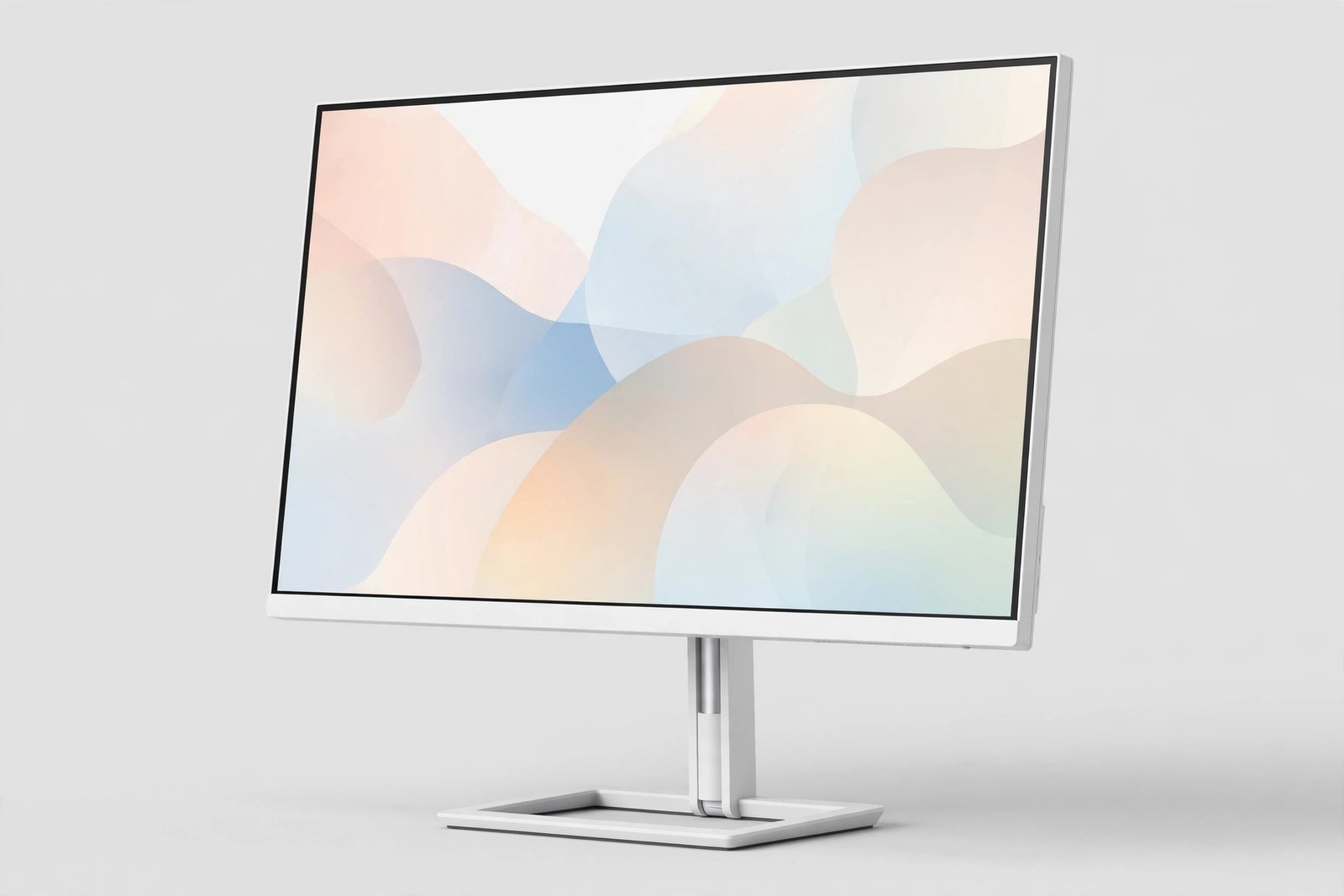
A 27-inch 4K IPS desktop monitor with 95% DCI-P3 colour, VESA DisplayHDR 400, Reader Mode and Flicker Safe, with HDMI and DisplayPort inputs on a tilt/height/pivot adjustable stand. It is the cheapest honest route to a sharp 27-inch 4K home-office screen — crisp text and accurate colour for documents and everyday work, without paying for USB-C or speakers you may not need. It is for budget home-office setups, second screens and anyone upgrading from a 1080p monitor.
Pick the screen that matches how you work — the Dell UltraSharp if you want one cable to do everything, the ProArt if colour accuracy pays your bills, or the budget LG if you just want sharp 4K text for less — then set it at eye level and enjoy the extra space. And if your desk needs to travel with you instead, take a look at our round-up of the best portable monitors for laptop.