Best Portable Monitors for Laptop: 6 Picks to Add Now
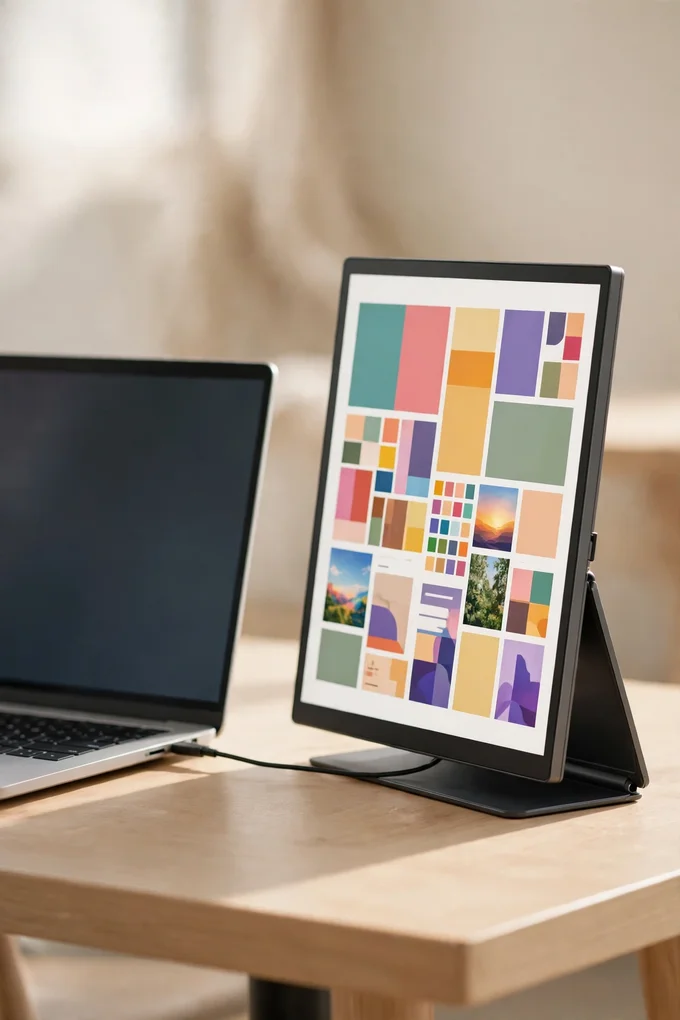
A laptop screen is fine until you need two things open at once — a document and a video call, a spreadsheet and your notes, or a game and a chat window. A portable monitor fixes that without tying you to a desk: a slim second screen that slides into your laptop bag and plugs in with a single cable, wherever you are working that day.
We picked six portable monitors for laptop use that cover the whole range, from a polished best-overall screen and the lightest carry we found to a fast 144Hz gaming pick, two OLED options for rich colour, and the cheapest second screen worth buying. Whether you work from cafes, travel for business, or just want a bigger setup at home, there is a pick here that fits your bag and your budget.
Disclosure: This article contains affiliate links to Amazon. If you buy through these links, TechCurated may earn a small commission at no extra cost to you. This helps us keep creating helpful tech guides.
1. ASUS ZenScreen MB16ACV
The ASUS ZenScreen MB16ACV is our best-overall portable monitor, and it earns that spot by keeping things simple. It is a 15.6-inch Full HD IPS screen with a matte anti-glare finish, so it stays readable near bright windows and under office lights, and a single USB-C cable carries both power and video to your laptop. A fold-out kickstand props it up at your desk, and the slim panel slips into a laptop bag alongside your computer.
It is the pick for anyone who wants a second screen that just works, with no extra stand or tangle of cables to pack. The hybrid USB-C connection also works with older laptops over USB-A with a driver, which makes it a forgiving choice if your laptop is a few years old. Tip: check that your laptop’s USB-C port supports video output before you buy — a charging-only port will not send a picture, and that is the one thing that catches people out with single-cable screens.
2. Lenovo ThinkVision M14
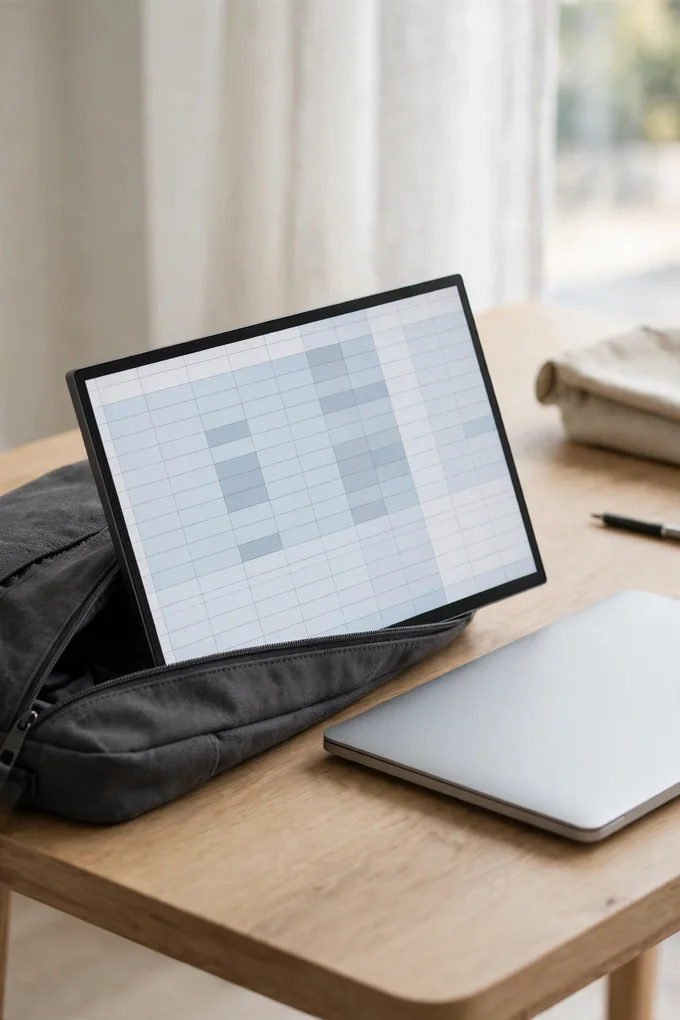
The Lenovo ThinkVision M14 is the lightest carry in this list, and it is built for people who pack light. The 14-inch Full HD IPS panel weighs under 600 grams, so it adds almost nothing to a laptop bag, and its slim frame matches a 14-inch laptop almost exactly. Two USB-C ports handle the video connection, and power passes through the monitor to your laptop, so one charger can feed the whole setup.
It is the best pick for commuters, students and anyone who works from trains, client offices and coffee shops. The built-in tilt stand adjusts smoothly and feels solid on a tray table, and the screen is a touch brighter than most rivals at this size, which helps in well-lit rooms. Tip: use the pass-through charging on long workdays — plug your charger into the monitor and your laptop stays topped up through the same single cable.
3. ARZOPA Z1FC
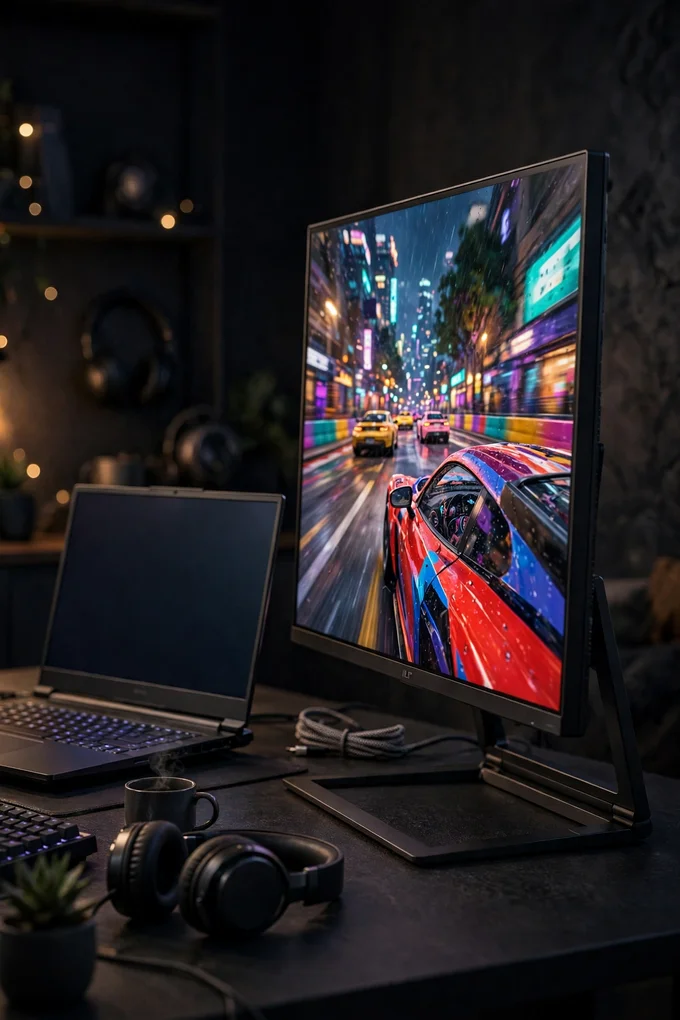
The ARZOPA Z1FC is the gaming pick of the group, and the headline feature is its 144Hz refresh rate — more than double the 60Hz of most portable screens, so fast movement looks smoother and more fluid. The 16.1-inch Full HD IPS panel is the biggest in this list, with wide colour coverage that makes games and films look vivid, and it connects over USB-C or mini HDMI, so it works with laptops, consoles and handhelds alike.
It is the pick for gamers who want a big second screen for a laptop, a Steam Deck or a console on the move, and the built-in speakers mean you do not need headphones for a quick session. The aluminium body and built-in kickstand keep it sturdy on a desk, and it flips between landscape and portrait for reading long pages. Tip: you will only see the full 144Hz if your laptop or console can send it — check your device’s video output first, and use the mini HDMI port for consoles that do not do video over USB-C.
4. ASUS ZenScreen OLED MQ16AHE
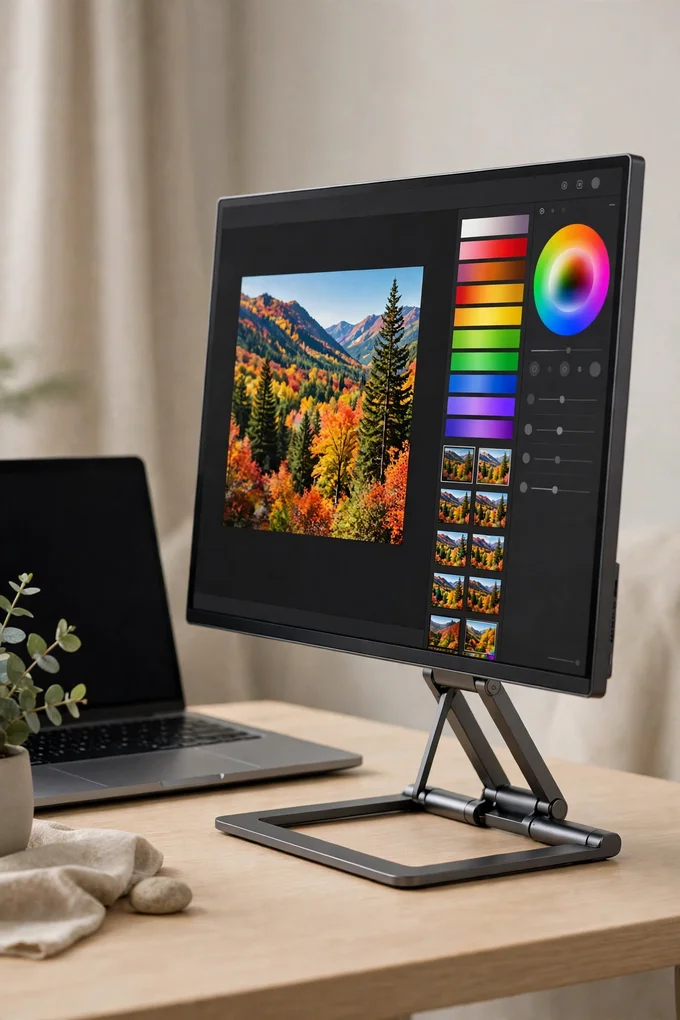
The ASUS ZenScreen OLED MQ16AHE is the premium pick, and the reason is the panel: a 15.6-inch Full HD OLED screen with true blacks, huge contrast and full cinema colour coverage, so photos and videos look strikingly rich next to an ordinary laptop display. It answers in a single millisecond, supports HDR, and connects over USB-C or mini HDMI, with a 360-degree kickstand that holds the screen at almost any angle.
It is the pick for photo and video work on the move, and for anyone who watches a lot of films on their laptop and wants the picture to match. A proximity sensor dims the screen when you step away, which helps protect the OLED panel, and the three-year warranty covers burn-in. Tip: this is a glossy OLED screen, so it shines brightest indoors — if you work outside or under harsh lights often, the matte screen on our best-overall pick will suit you better.
5. INNOCN 15A1F
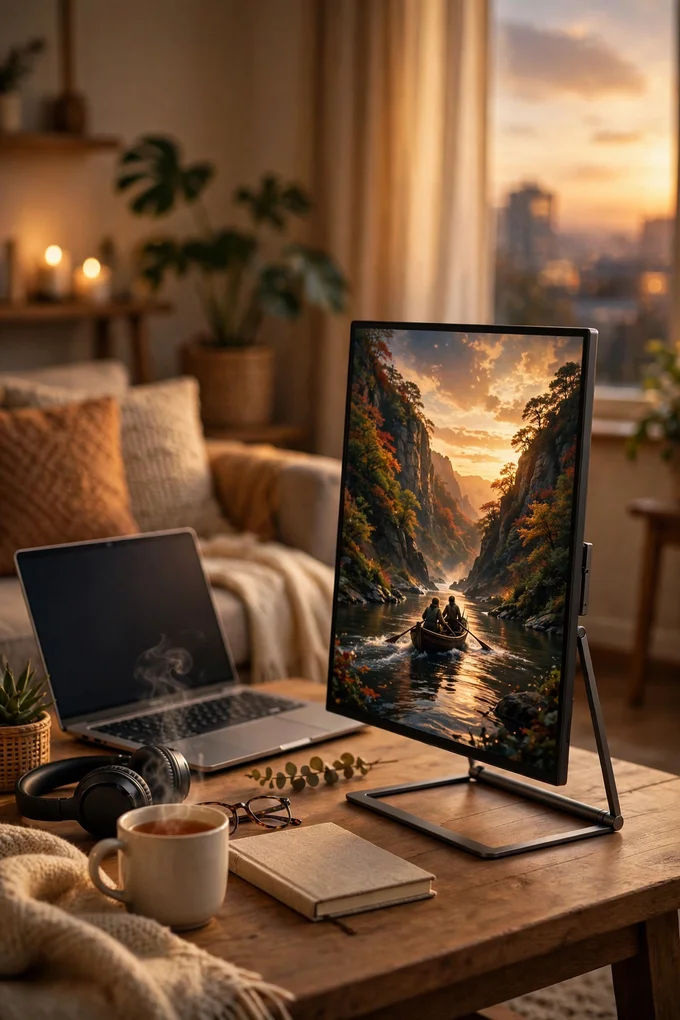
The INNOCN 15A1F brings OLED picture quality down to a budget-friendly level. You get the same 15.6-inch Full HD OLED panel type as the premium pick — deep blacks, a very high contrast ratio and full cinema colour coverage — with 400 nits of brightness and HDR support for films and games. It connects over USB-C or mini HDMI, has built-in speakers, and a magnetic metal stand that props it up in landscape or portrait.
It is the pick for anyone who wants OLED colour without paying the premium price, and it doubles nicely as a second screen for a console or a phone. The panel is only 60Hz, so it is not a competitive gaming screen, but for films, photo editing and everyday work the picture is a big step up from a standard IPS panel. Tip: HDR works over the mini HDMI port, so use an HDMI connection from your laptop or console when you want the full HDR effect for films.
6. KYY K3

The KYY K3 is the cheapest second screen in this list, and it proves you do not need to spend much to get a useful extra display. It is a 15.6-inch Full HD IPS panel with wide viewing angles, two USB-C ports and a mini HDMI port, built-in speakers, and a magnetic smart cover that protects the screen in your bag and folds into a stand when you arrive. One cable from your laptop is all it takes to get going.
It is the pick for students, first-time buyers and anyone who just needs more room for documents, email and video calls without a big outlay. With thousands of buyer reviews behind it, it is also the safest cheap option to try — the setup is genuinely plug and play, with no drivers to install. Tip: keep the included power adapter in your bag for consoles and phones, which sometimes cannot power the screen from a single cable on their own.
Conclusion
The right portable monitor for your laptop depends on how you will use it: the ASUS ZenScreen MB16ACV for the most polished all-round second screen, the Lenovo ThinkVision M14 for the lightest bag carry, and the ARZOPA Z1FC for smooth 144Hz gaming. Add the ASUS ZenScreen OLED MQ16AHE for premium OLED colour, the INNOCN 15A1F for OLED on a budget, and the KYY K3 for the cheapest useful second screen, and there is a pick here for every bag, every laptop and every budget.
If you are building a fuller work-from-home setup around your new second screen, read our guide to the best desk gadgets for working from home next. Prices on Amazon change often, especially during sales events, so it is always worth checking the current price before you buy.