Best iPad Accessories: 6 Picks to Supercharge Your iPad
As an Amazon Associate, TechCurated earns from qualifying purchases made through links on this page — at no extra cost to you.
An iPad on its own is already a brilliant screen, but the right accessories are what turn it into a notebook, a laptop, a sketchbook and a second monitor. This list brings together six upgrades that cover the whole job: a pro stylus for drawing and handwriting, a budget stylus that does the everyday note-taking for far less, a keyboard case that gives you a proper laptop feel, a slim magnetic case for everyday protection, a screen protector that makes the glass feel like paper, and a pocket hub that finally gives your iPad the ports it should have had all along. Whether you study, draw, type or watch, these are the add-ons that make the iPad earn its keep.
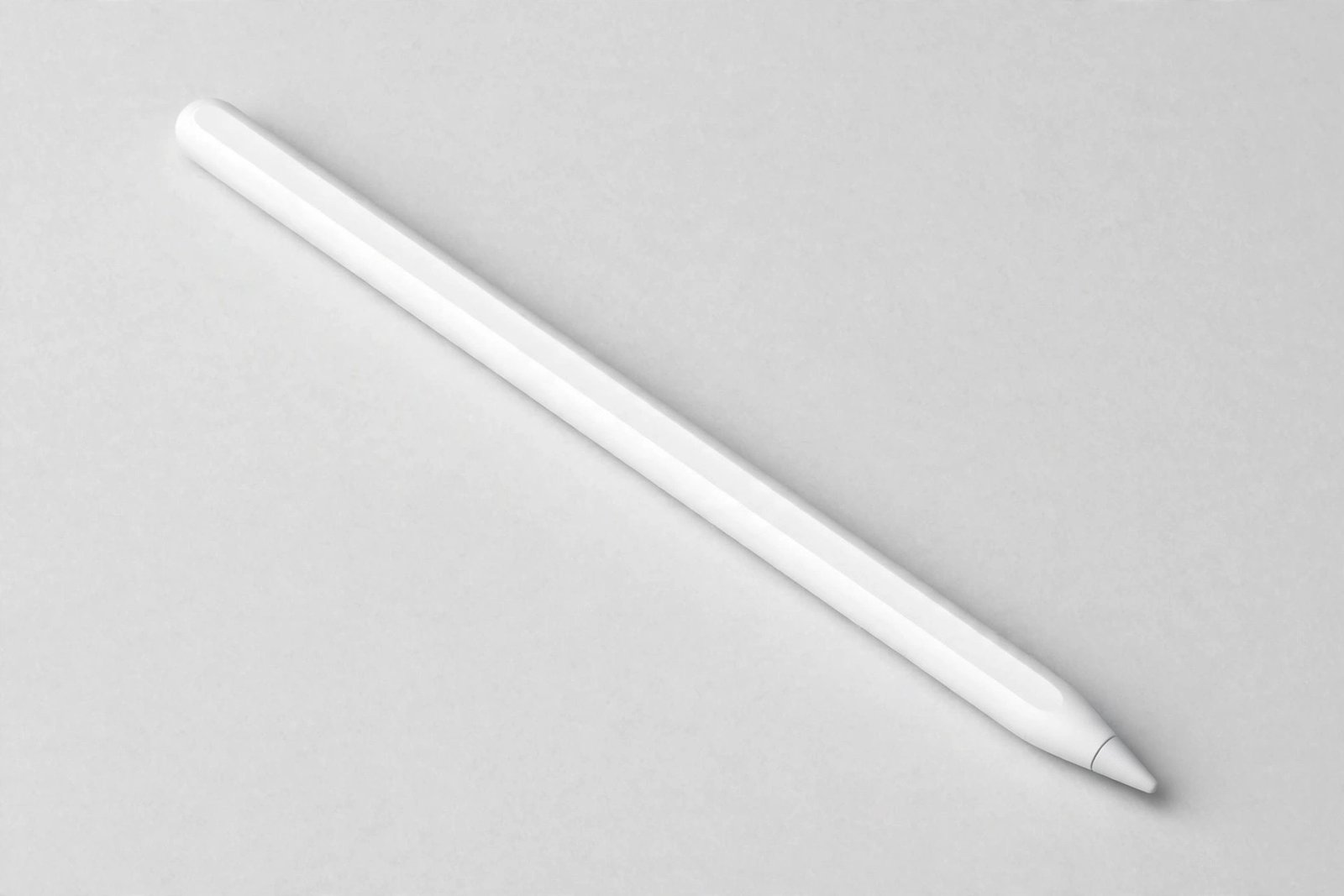
Apple Pencil Pro
Apple’s most advanced stylus, with pixel-perfect precision, tilt and pressure sensitivity, squeeze and barrel-roll gestures, haptic feedback, hover preview and Find My, charging and pairing magnetically on the side of the iPad. It makes handwriting, sketching and markup feel natural, with gestures that change tools without touching a menu. It is for artists, designers and heavy note-takers on iPad Pro or iPad Air with Apple Pencil Pro support.
Apple Magic Keyboard for iPad Pro 11-inch (M4/M5)
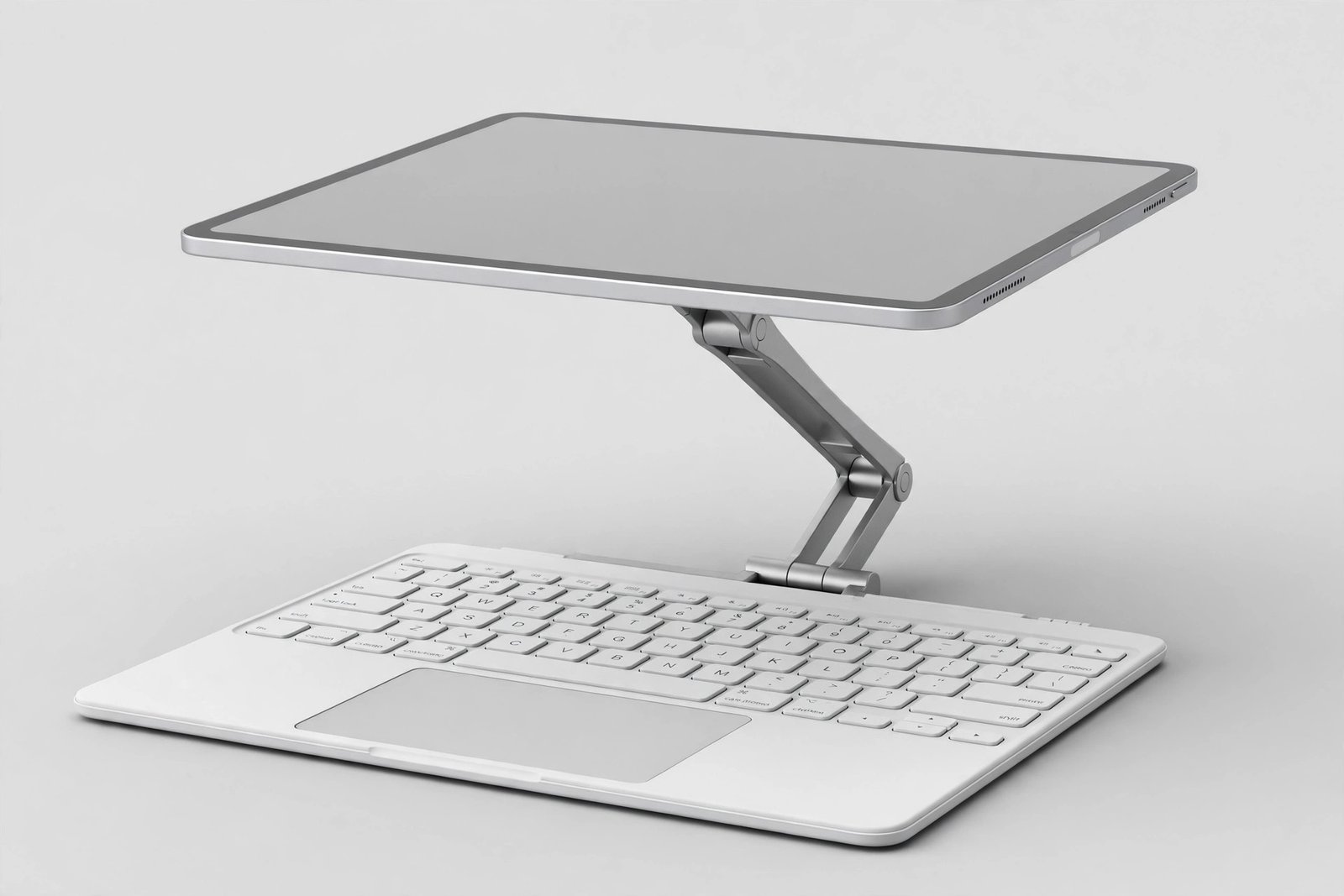
A floating cantilever keyboard case with backlit keys, a 14-key function row, a large glass trackpad with haptic feedback, an aluminium palm rest and USB-C pass-through charging, powered through the Smart Connector with no pairing or charging of its own. It turns the iPad Pro into a laptop you can actually type on for hours, with a trackpad that makes iPadOS feel like a desktop. It is for anyone who writes, edits documents or works in spreadsheets on an 11-inch iPad Pro (M4 or M5).
Logitech Crayon (USB-C)
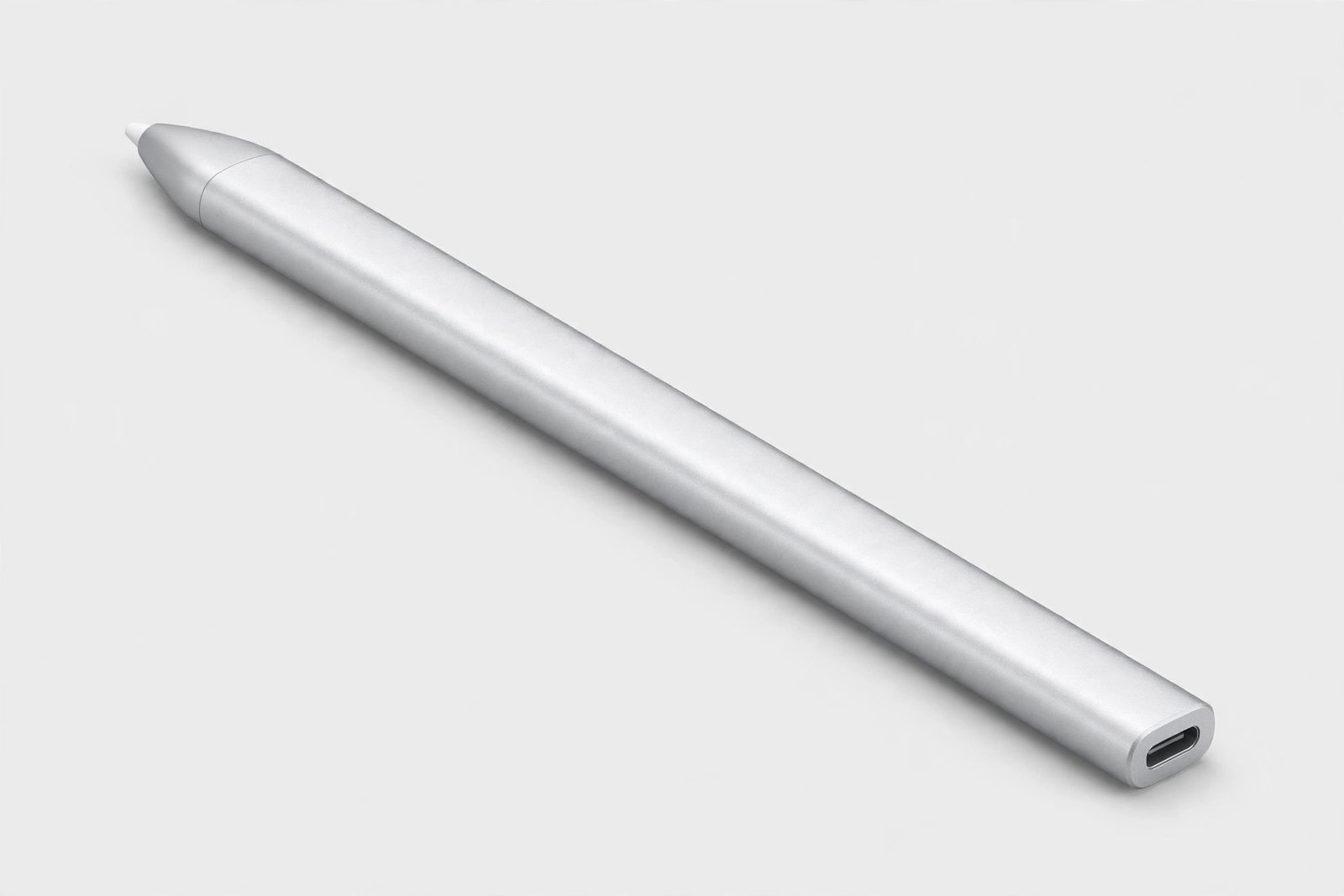
A pixel-precise digital pencil built on Apple Pencil technology, with a dynamic smart tip that adjusts line weight by angle, palm rejection, no pairing needed, and fast charging over USB-C. It gives students and casual note-takers the core Apple Pencil experience — precise writing and sketching in hundreds of supported apps — at a fraction of the pro stylus price. It is for students, note-takers and families who want a stylus for everyday iPad use without paying for pro features.
ESR Rebound Magnetic Case for iPad Pro
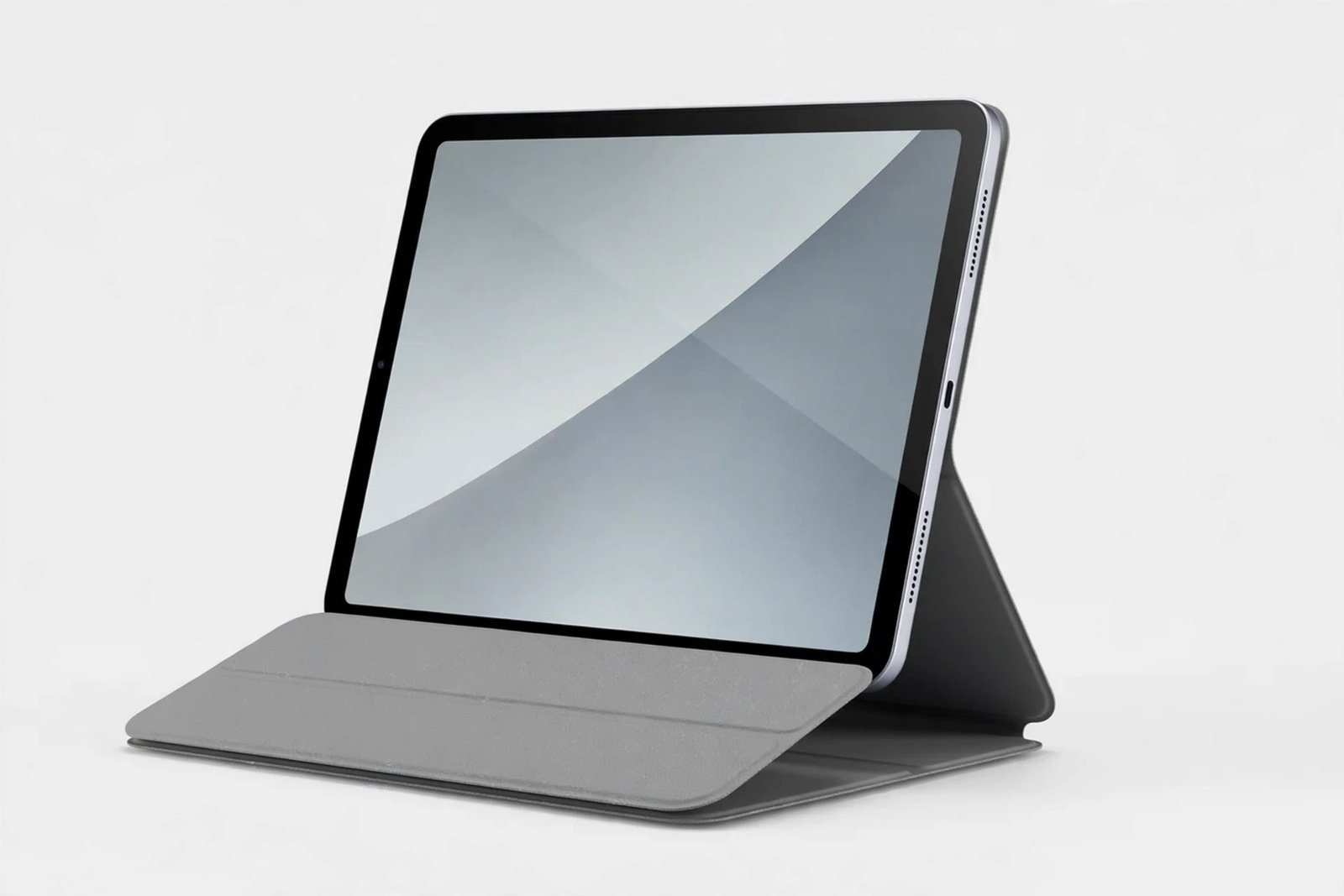
A slim magnetic folio that snaps straight onto the iPad Pro, with a trifold front cover that folds into viewing and typing stands, auto sleep/wake, and a recessed side groove plus magnetic clasp so the Apple Pencil charges and stays put. It is the lightest everyday protection — on in a second, off in a second — with a stand built in and no bulk. It is for iPad Pro 11-inch (M4, 2024) owners who want slim daily protection with a stand.
Paperlike 3 Screen Protector for iPad Pro 11-inch
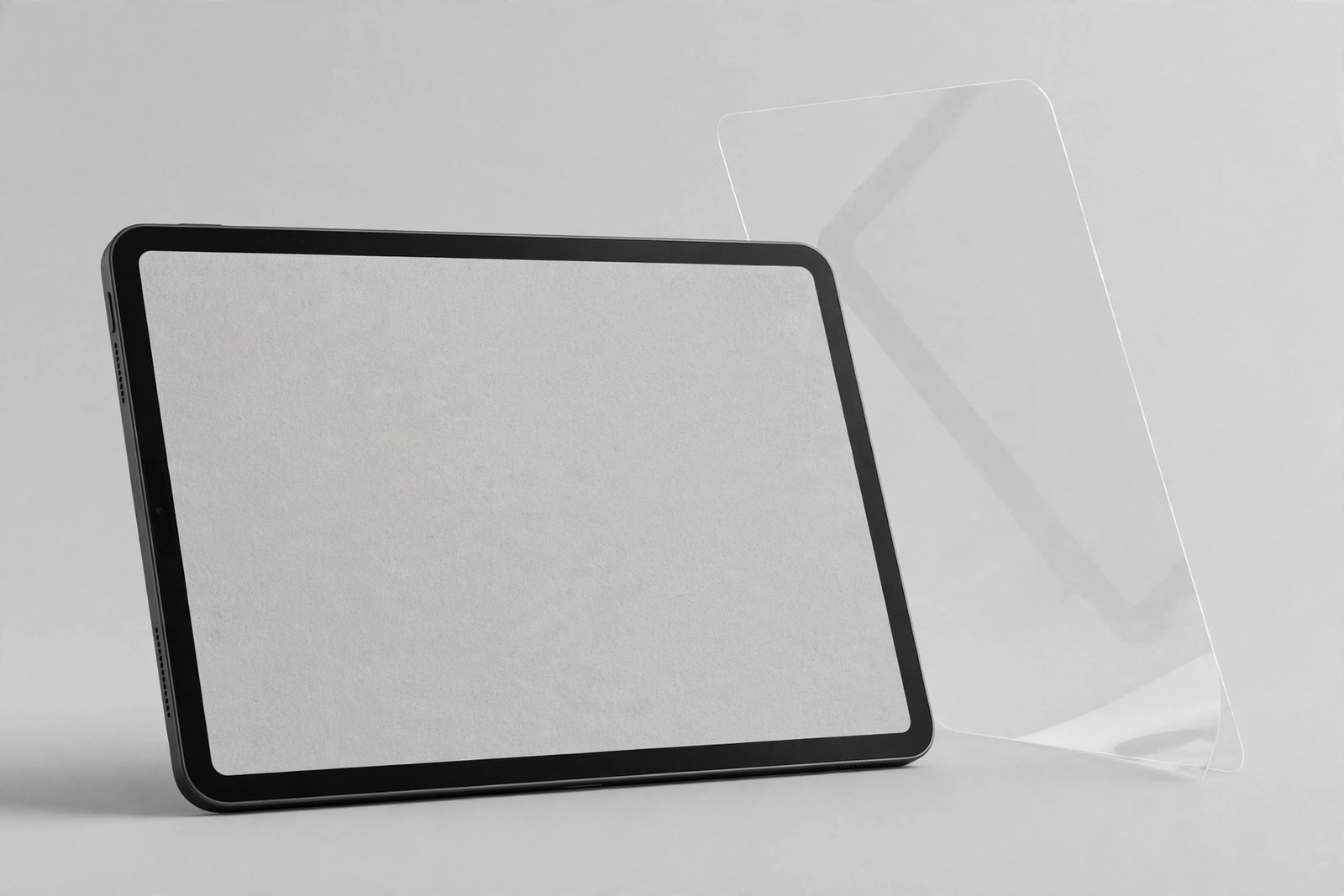
A matte paper-feel screen protector (two in the pack) with Paperlike’s Butterfly bubble-free install system, adding friction and grip so the stylus behaves like pen on paper, cutting glare and protecting the Pencil tip. It fixes the two things that annoy stylus users most — a slippery glass surface and reflections — and it makes long handwriting sessions feel natural. It is for note-takers, students and digital artists who write or draw on their iPad Pro every day.
Satechi USB C Hub Mobile
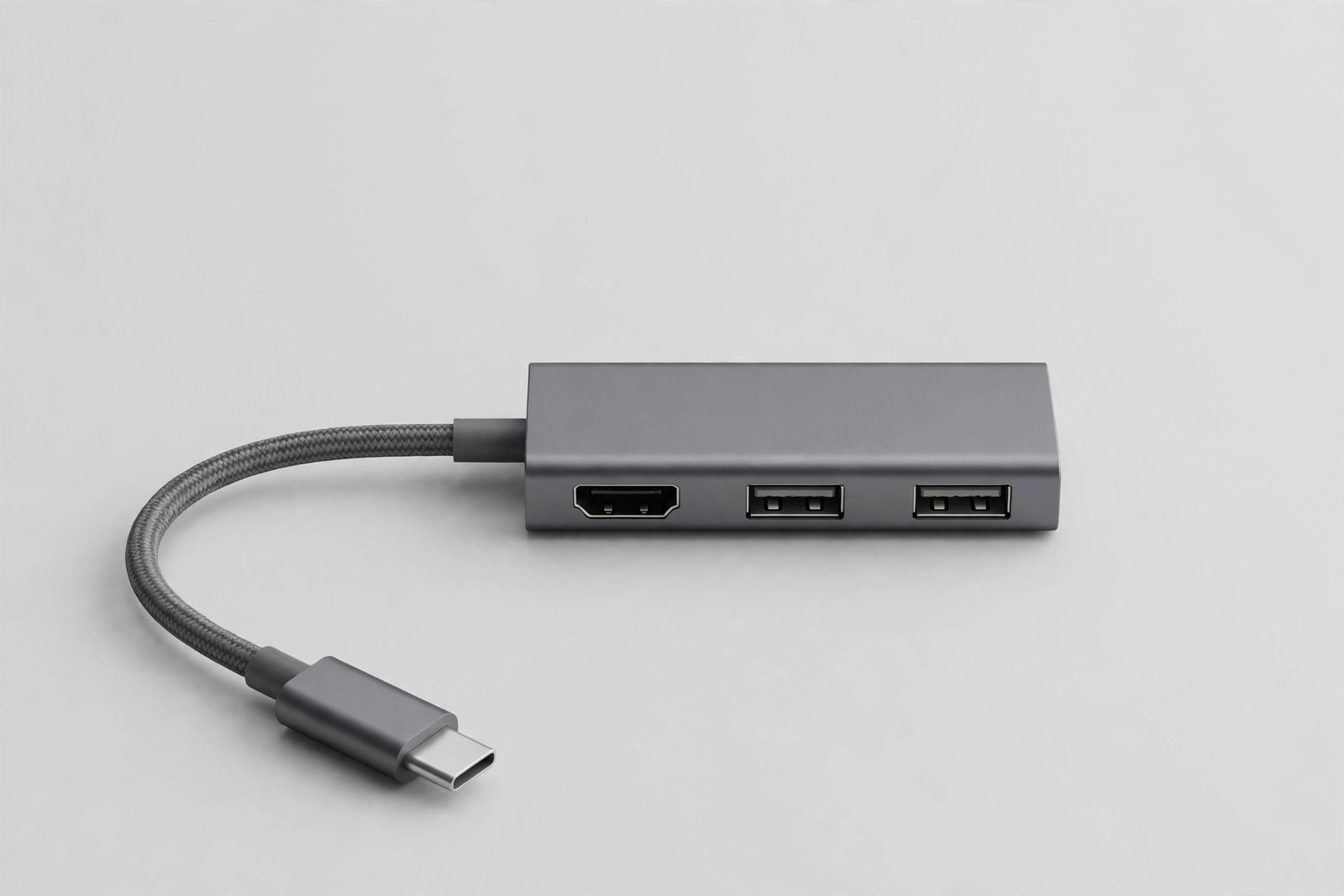
A pocket-sized 4-in-1 USB-C hub for iPad — 4K HDMI out, 100W USB-C pass-through charging, 10Gbps USB data and a microSD card reader — that plugs straight into the iPad’s USB-C port. It turns one iPad port into a workstation — monitor, charger, drive and card reader at once — and it fits in a pocket. It is for iPad users who edit photos or video, present from their iPad, or work with an external monitor and keyboard.
Start with the one that matches how you actually use your iPad — a stylus if you write or draw, the keyboard case if you type all day, or the hub if you plug into a bigger screen — then add the case and screen protector to keep it all safe. And if your phone could use the same kind of practical upgrade, take a look at our guide to the best phone accessories.