Gaming Accessories: 6 Upgrades Every Gamer Will Love
A good gaming setup is rarely about one expensive purchase. More often, it is the small upgrades that make the biggest difference — a controller that is always charged, a headset that has a proper place to live, and enough mouse space to aim without hitting the edge of the pad.
We picked six gaming accessories that are simple, affordable and useful for console, PC and mobile players alike. Every pick solves a real everyday annoyance, needs no complicated setup, and can make an older setup feel fresh again in minutes.
Disclosure: This article contains affiliate links to Amazon. If you buy through these links, TechCurated may earn a small commission at no extra cost to you. This helps us keep creating helpful tech guides.
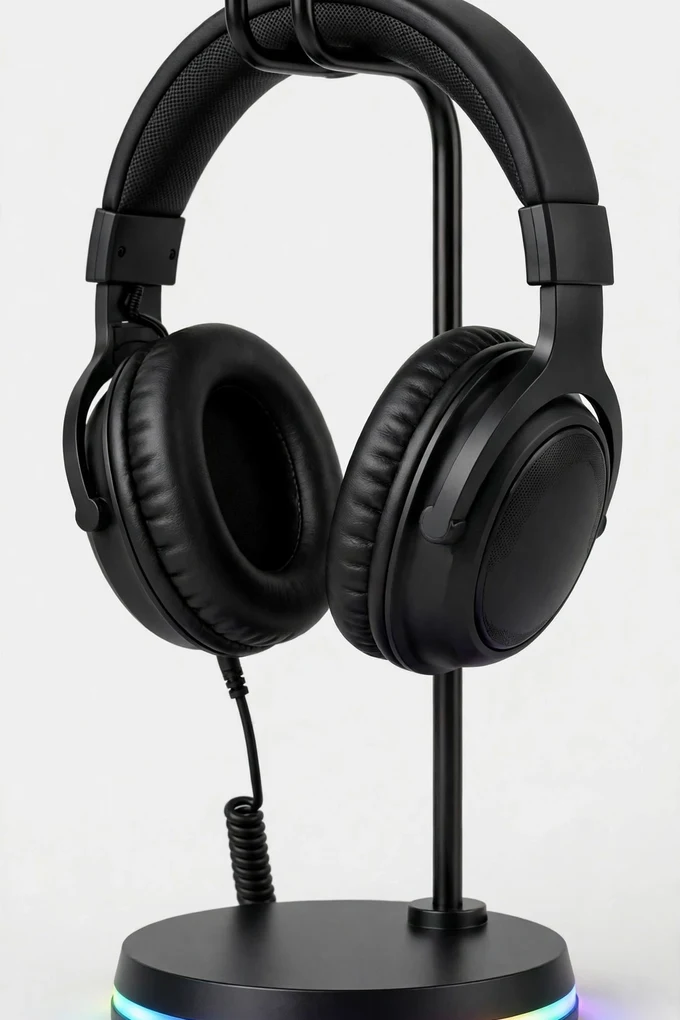
1. TROND RGB Gaming Headset Stand
A gaming headset left on the desk gets knocked, tangled and covered in dust. This TROND stand gives it a dedicated home, with RGB lighting that matches the rest of a gaming setup and a sturdy holder that keeps the headset upright and within easy reach. It also works as a small charging station, with AC outlets and USB ports built into the base for controllers, phones and other desk gear.
It is ideal for gamers who want a tidier desk without buying several separate accessories. The retractable power cord helps keep cables under control, and the stand looks just as good in a bedroom setup as it does in a dedicated gaming room. Tip: place it on the side of the desk you naturally reach for when you sit down, so hanging up the headset becomes an easy habit.
2. KIWIHOME PS5 Controller Charging Dock
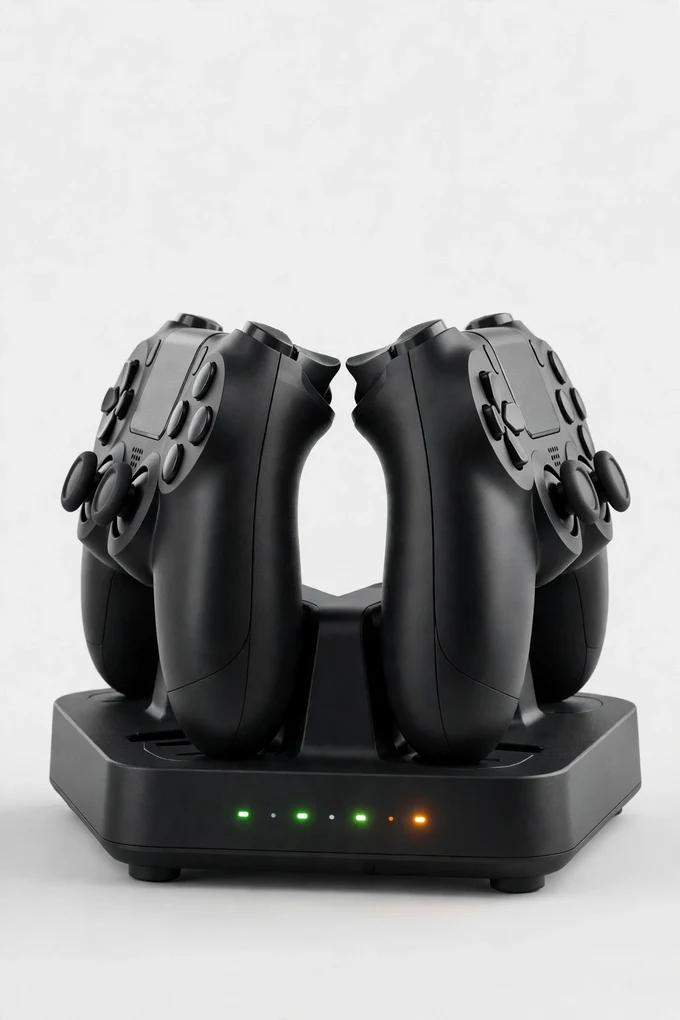
Nothing ends a gaming session faster than picking up a PS5 controller and finding the battery flat. This KIWIHOME charging dock solves that by giving two DualSense controllers a fixed charging home, so they top up neatly between sessions instead of relying on loose cables. Clear LED indicators show when each controller is charging and when it is ready to play again.
It suits PS5 households where two controllers are in regular use, whether that is for co-op games or simply having a spare ready. The controllers sit securely in the dock, the USB-C cable keeps things simple, and the whole setup looks much neater next to the console. Tip: make the dock the only place controllers live, and you will never start a session with an empty battery again.
3. PuK Gaming Finger Sleeves
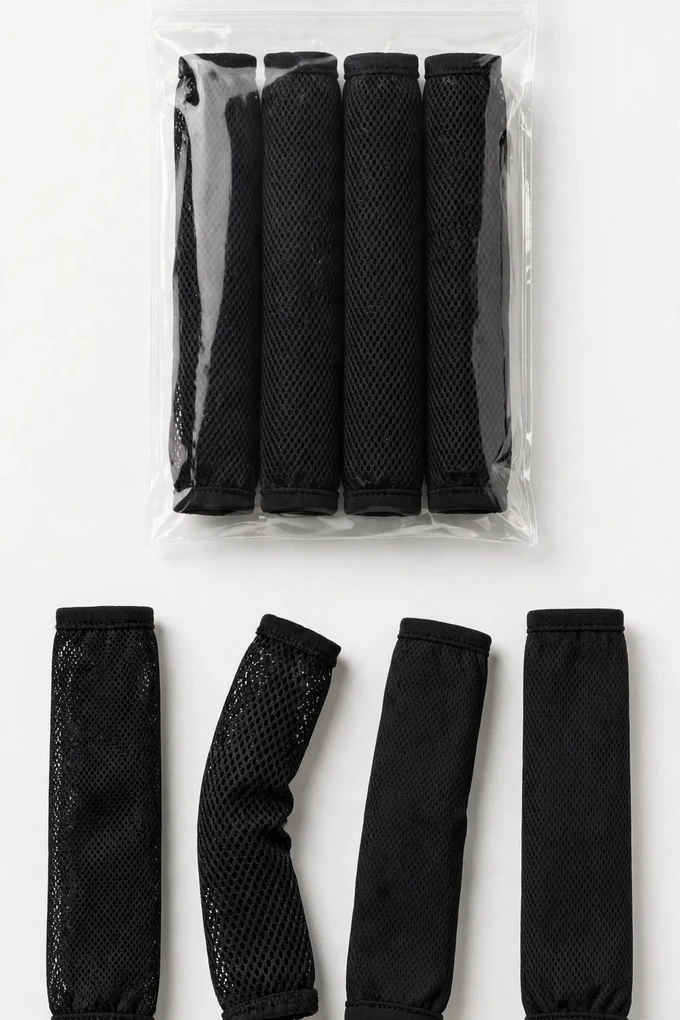
Mobile gaming has a hidden enemy: sweaty thumbs that stick, slip and miss swipes at the worst moment. These PuK finger sleeves are thin, breathable thumb covers designed for smooth glide and precise control on touchscreens, which makes them popular for fast FPS and battle royale games on phones and tablets. The pack of ten means there are spares for your bag, your desk and your friends.
They are a great low-cost upgrade for anyone who plays shooters or rhythm games on a phone and finds bare fingers unreliable in longer sessions. The anti-sweat fabric keeps the contact with the screen consistent, so aiming and movement feel steadier. Tip: keep a pair in your phone case or travel pouch, so they are always with you when a match starts away from home.
4. KANTUTOE RGB LED Strip Lights
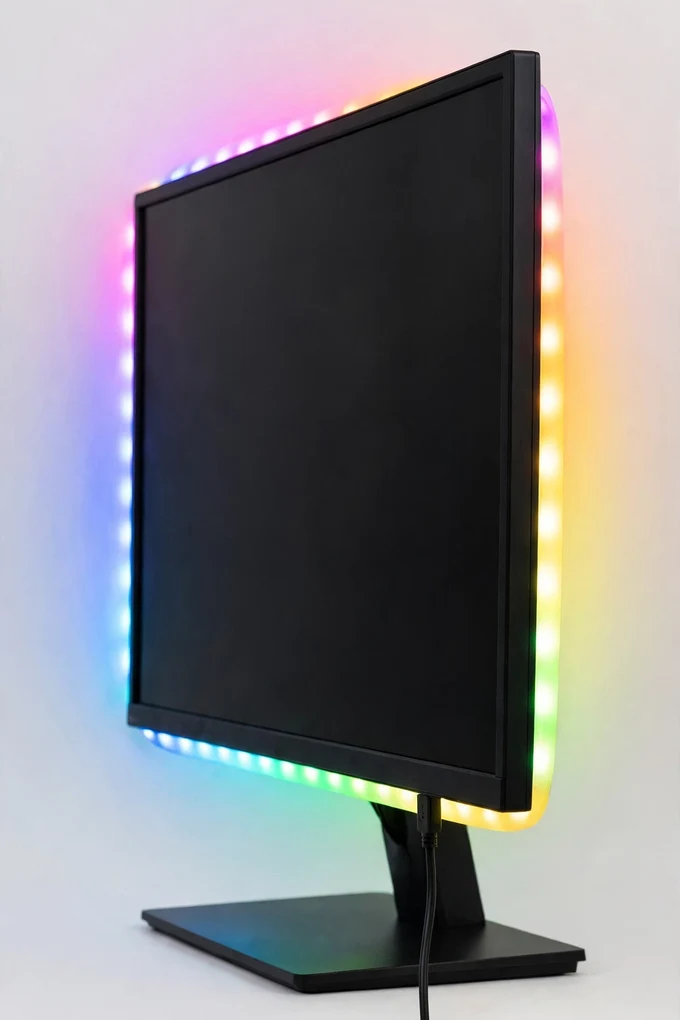
A plain wall behind a screen makes even a good setup look flat. This KANTUTOE strip is a USB-powered RGB backlight designed to sit behind a TV or monitor, adding a soft colour glow that makes games and films feel more immersive and is easier on the eyes in a dark room. It offers music sync, app control and remote control, so you can match the colour to the game, the room or your mood.
It is perfect for gamers who want the gaming-room look without rewiring anything or buying a smart home lighting system. Because it runs from USB, it can take power straight from the TV or monitor, and the flexible strip can be trimmed and fitted around the back of the screen. Tip: choose a warm or neutral glow for long sessions, and save the bright colour-changing modes for music and parties.
5. XXL Gaming Mouse Pad
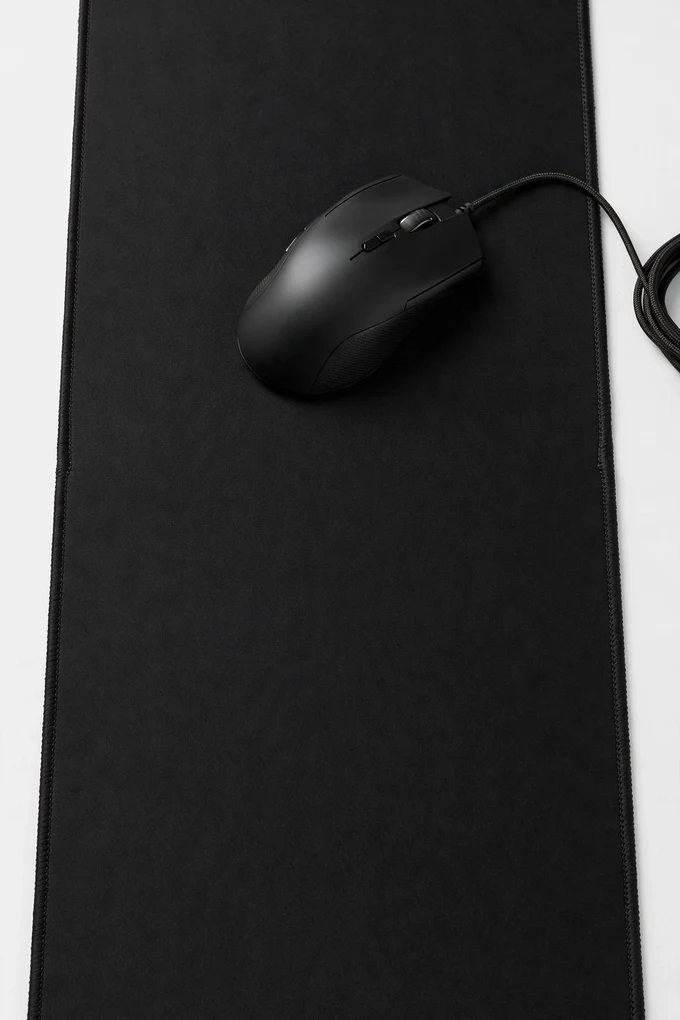
If you play with low mouse sensitivity, a small mouse pad runs out long before your aim does. This extra-large extended pad gives your mouse and keyboard one shared surface, with room for big, smooth swipes and a non-slip rubber base that stays put during intense moments. The stitched edges help prevent fraying, and the waterproof surface shrugs off everyday spills.
It suits PC gamers, streamers and anyone whose desk mixes gaming and work. The generous size also protects the desk surface and makes the whole setup look more unified, especially with the space-themed design. Tip: measure your desk before ordering and leave a few centimetres clear at the front edge, so the pad sits flat and your wrists rest comfortably.
6. KontrolFreek FPS Freek Galaxy Thumbsticks
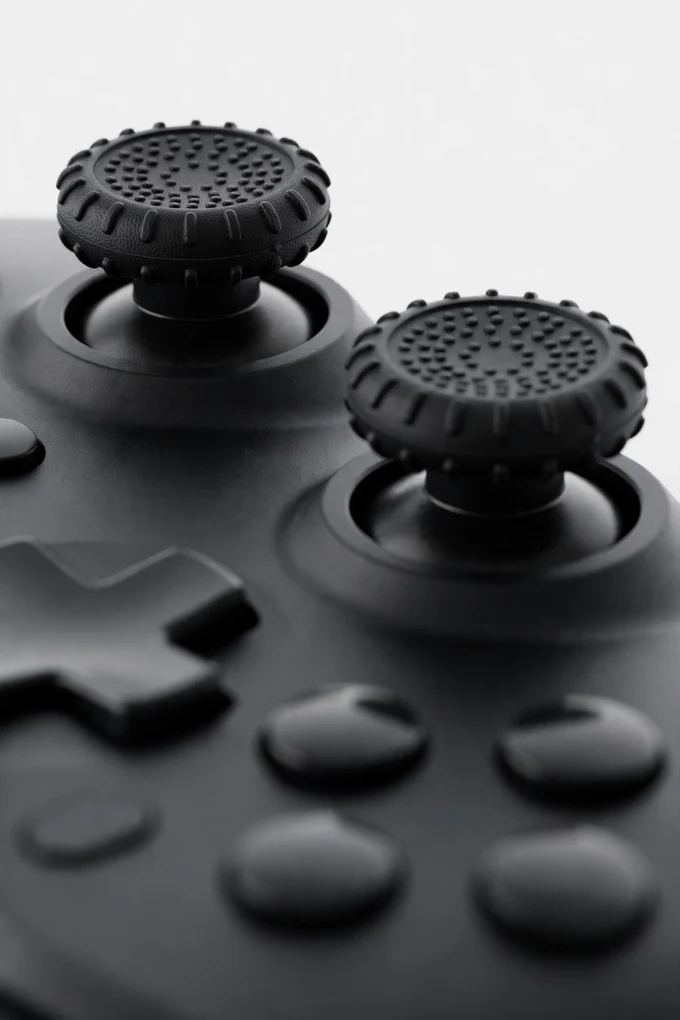
Your thumbs do most of the work in a shooter, and small changes to the sticks can make aiming feel far more controlled. These KontrolFreek FPS Freek Galaxy thumbsticks clip onto PS5 and PS4 controller sticks, adding height and a grippy concave surface. The set pairs one high-rise stick for aiming with one mid-rise stick for movement, giving you a larger range of motion and finer adjustments.
They are a favourite upgrade for FPS players who want better precision without buying a pro controller. The added height can also reduce how hard you need to push the stick, which helps comfort in longer sessions, and they simply clip off again if you want to go back to stock. Tip: give yourself a few matches to adjust to the taller aiming stick — most players find their aim settles and improves once the new feel becomes familiar.
Conclusion
The best gaming accessories do not need to be expensive or complicated. A headset stand that also charges, a dock that keeps controllers ready, finger sleeves for mobile play, RGB backlighting behind the screen, a huge mouse pad and better thumbsticks each fix a small frustration — and together they make a setup feel properly finished.
If your gaming desk doubles as a work desk, read our guide to the best desk gadgets for working from home next for more ways to make the same space work harder. Prices on Amazon change often, especially during sales events, so it is always worth checking the current price before you buy.